How to Use Free Tools for Shopify Lead Capture
Capture Shopify visitors without spend: combine Shopify Forms, exit-intent popups, and Klaviyo automations, then enrich exports for smarter outreach.

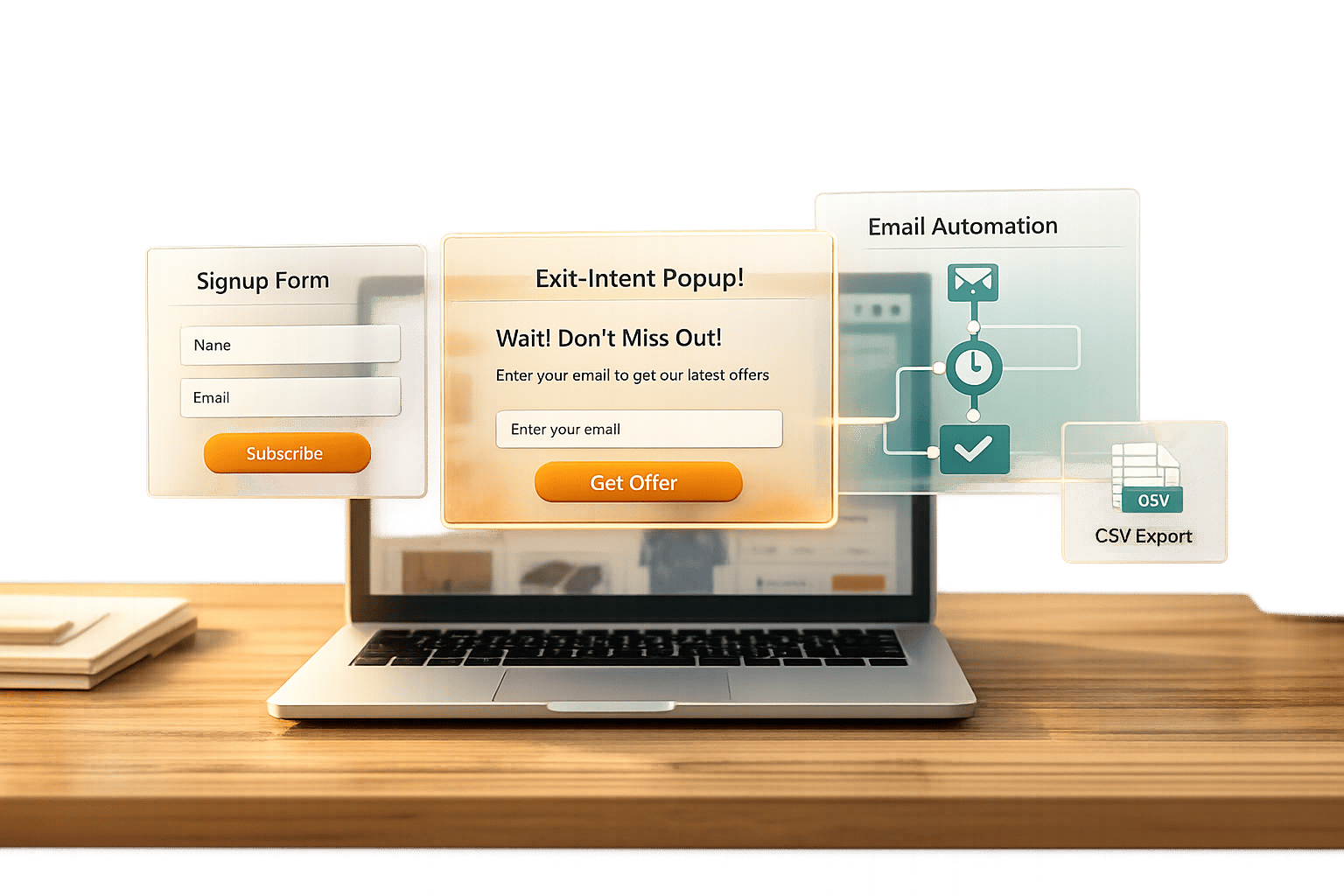
When running a Shopify store, capturing leads is a must, especially when you target Shopify stores for B2B outreach. Visitors often don't buy on their first visit, so collecting their contact info gives you a chance to connect later. The good news? You can do this without spending a dime. Here's how:
- Shopify Forms: Create popups or inline forms to gather emails and offer discounts. Syncs directly with Shopify Email.
- Privy (Free Tier): Use exit-intent popups to target visitors about to leave. Customize templates and track performance.
- Klaviyo (Free Plan): Automate email workflows like welcome series or abandoned cart reminders. Syncs with Shopify for targeted campaigns.
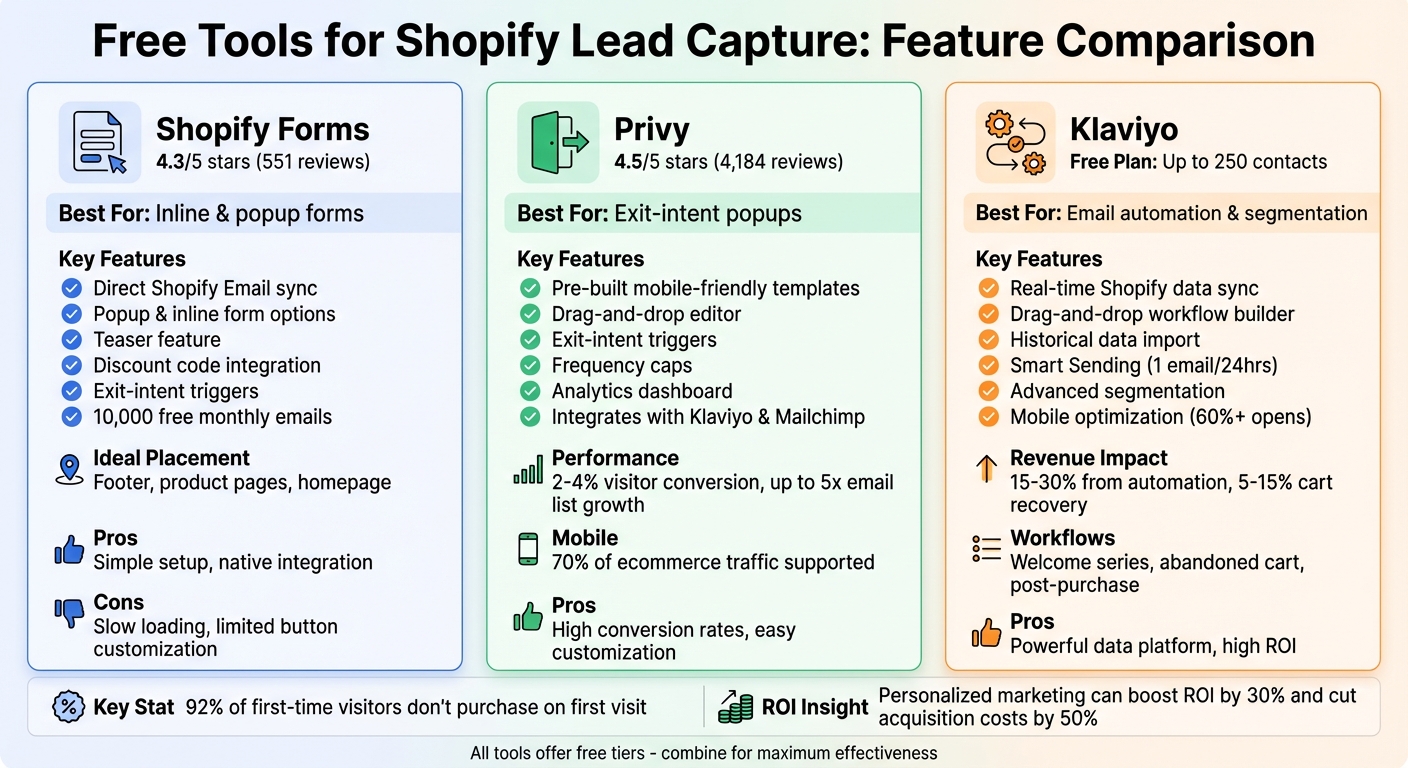
Comparison of Free Shopify Lead Capture Tools: Shopify Forms vs Privy vs Klaviyo
Setting Up Shopify Forms for Inline and Popup Lead Capture
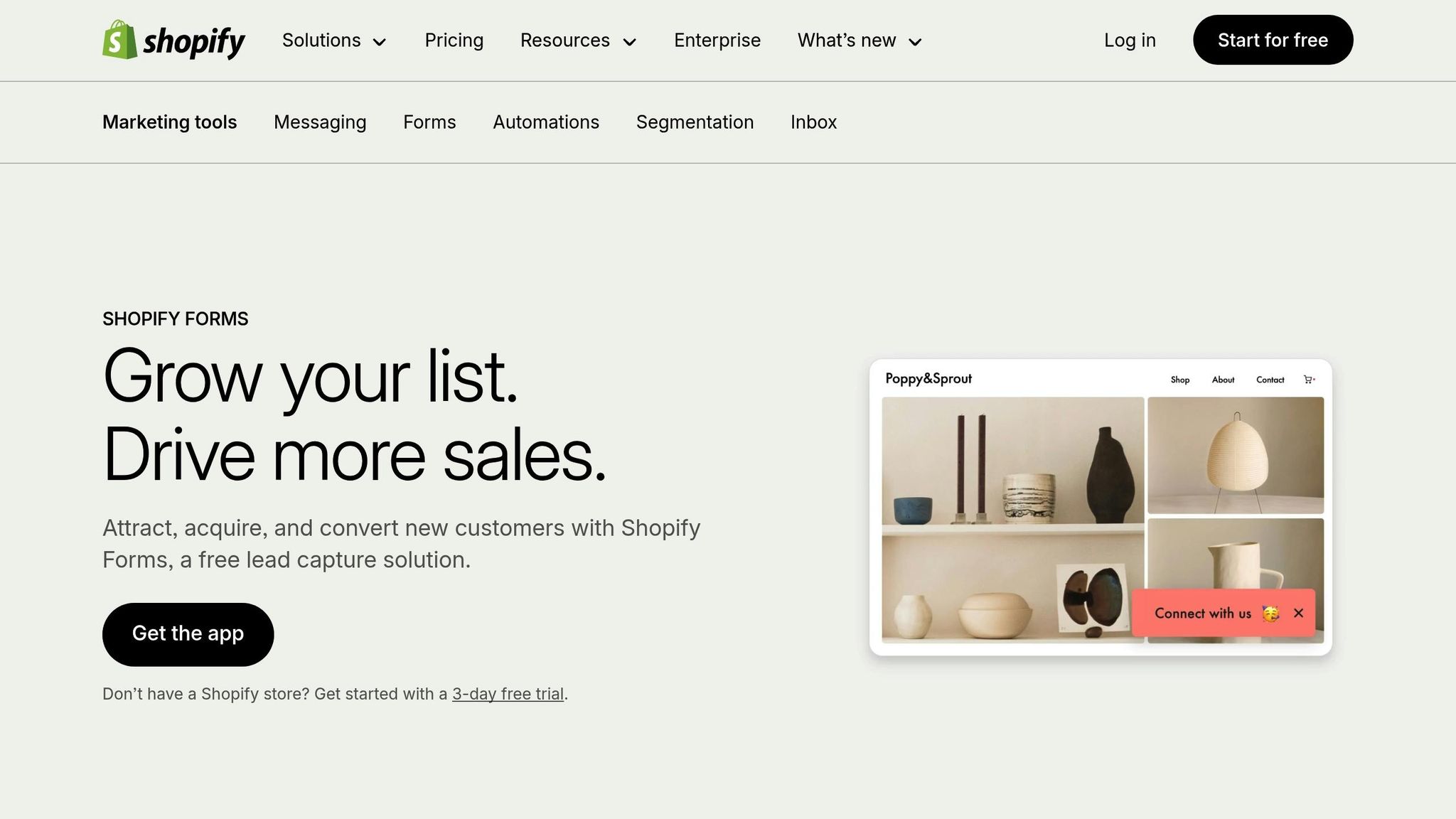
How to Install and Customize Shopify Forms
To get started, install Shopify Forms directly from the Shopify App Store. You can find it by navigating to Shopify Admin > Apps > Forms. Once installed, decide between two types of forms: popup forms for time-sensitive offers or inline forms for steady lead collection on pages like your footer or product pages.
Your choice should align with your goals. For example, popup forms are great for grabbing attention with urgent offers, while inline forms work well for ongoing lead collection. Personalize the forms by adding your logo and matching the colors to your brand’s aesthetic.
Take advantage of the teaser feature, which lets you display a small, enticing prompt before the full form appears. A teaser like "Don't miss out 👀" can encourage visitors to engage. Jacob Sappington highlights the power of this subtle nudge:
"The main idea here is that you're asking a really small leading question that someone's really likely to say yes to, and that gets them bought in a little bit."
You can also enhance your forms by adding extra fields like phone numbers, birthdays, or product interests using metafields. To sweeten the deal, integrate Shopify discount codes, which are automatically saved to the user’s Shop Pay wallet and applied at checkout.
For popup forms, set triggers such as time delays or exit-intent behavior to display them at the right moment. You can even limit popups to high-traffic pages, ensuring they reach the most relevant audience. Once your form is fully customized, embed it strategically to capture the most qualified leads.
Embedding Forms and Integrating with Shopify Email
Inline forms are best placed on high-intent areas of your site, such as the footer, product pages, or contact pages. This ensures a seamless experience for visitors who are already engaged.
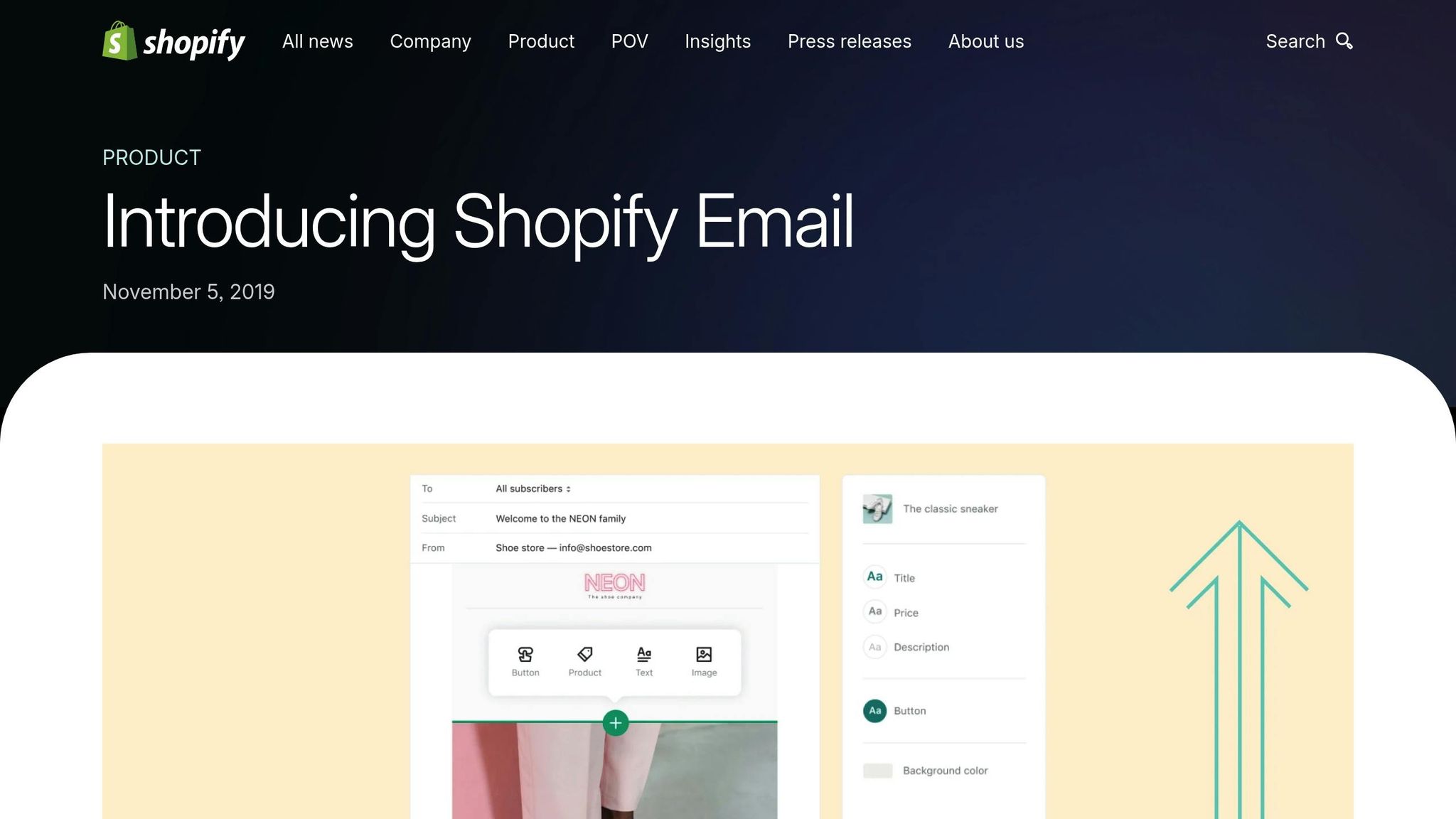
Shopify Forms integrates directly with Shopify Email, so any new subscribers are automatically tagged and added to customer segments in your Shopify admin. This eliminates the need for manual data entry and ensures your leads flow effortlessly into your marketing system. Plus, you can track performance - like form completion rates and submission data - via the Shopify Forms dashboard. This data helps you optimize designs and offers for better results.
To follow up with new subscribers, use Shopify Messaging to send an automated welcome email series right after signup. Timing is key here, as Desirae Odjick, Product Marketer at Shopify, explains:
"These are some of the most-opened emails. People just took action, they're expecting to see your email, they're more likely to open it."
With Shopify Email, you get 10,000 free monthly emails, which is perfect for setting up a concise 4–5 email sequence over one to two weeks. You can even segment your audience based on the form they used to sign up, making it easier to send tailored reminders and incentives.
Currently, the Shopify Forms app has a 4.3/5 star rating on the Shopify App Store, based on 551 reviews. Merchants appreciate its simplicity and quick setup, though some have noted slow loading times and limited button customization options.
Using Privy Free Tier for Exit-Intent Popups
Installing Privy and Designing Popup Templates
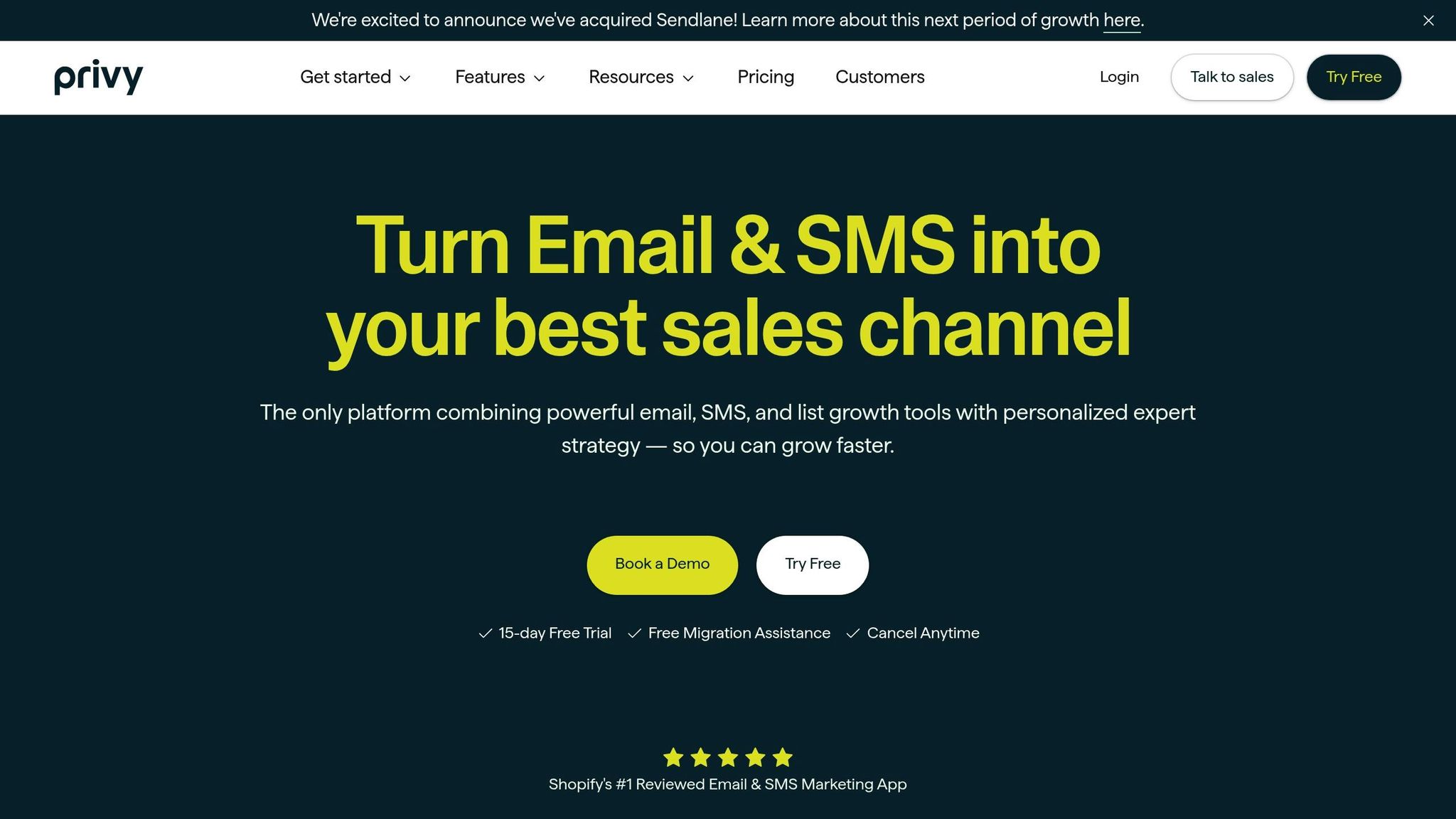
Start by installing "Privy ‑ Email, SMS & Pop Ups" from the Shopify App Store. The process is quick, and the free tier gives you essential tools to start capturing leads right away.
After installation, choose from pre-built, mobile-friendly templates like "Welcome Offers" or "Exit-Intent Cart Savers" based on your goal. Whether you're aiming to grow your email list or recover abandoned carts, these templates are tailored to fit specific needs.
Using Privy's drag-and-drop editor, you can tweak the popup to match your brand. Adjust colors, fonts, and images to create a cohesive look that feels like a natural part of your site. Keep your focus on one clear objective - such as offering 10% off or free shipping - to encourage visitors to share their email. Merchants who optimize their popups have seen email list growth increase up to 5x, and exit-intent popups alone can convert an extra 2–4% of visitors compared to other types.
Once your design is ready, it's time to set the timing and behavior for maximum impact.
Setting Exit-Intent Triggers and Analyzing Performance
Enable the "Exit Intent" trigger to catch visitors as they move their mouse toward closing or navigating away from the page. This timing is critical. As Evaldas Mockus, VP of Growth at Omnisend, notes:
"Exit-intent popups capture abandoning visitors at the perfect psychological moment. When shoppers move to leave, they've already formed opinions about your products and prices."
For mobile users - who now make up around 70% of ecommerce traffic - Privy uses different triggers, like detecting rapid upward scrolling or increased scroll speed, since mobile devices don’t have cursors. To maintain a smooth experience, set frequency caps to prevent showing the same popup too often. Always preview your popup on both desktop and mobile to ensure it displays correctly.
Track your results with Privy’s analytics dashboard, which provides data on conversion rates and orders generated by your popups. Regularly reviewing these insights allows you to refine your strategy. For more advanced tactics, explore our Shopify store guides to optimize your outreach. Privy is highly rated, with a 4.5/5 star average from over 4,184 reviews on the Shopify App Store. Users frequently highlight its seamless integration with Shopify and its easy-to-use customization tools.
Lastly, sync your captured leads with your email marketing platform. Privy works with tools like Klaviyo and Mailchimp, making it easy to send automated welcome emails to new subscribers. By implementing these exit-intent strategies, you create a proactive, data-backed system for lead generation using Shopify brand prospect lists. Combined with Shopify Forms, this setup offers a cohesive and cost-effective way to grow your email list.
Using Klaviyo Free Plan for Signup Forms and Automations
Syncing Shopify Data with Klaviyo
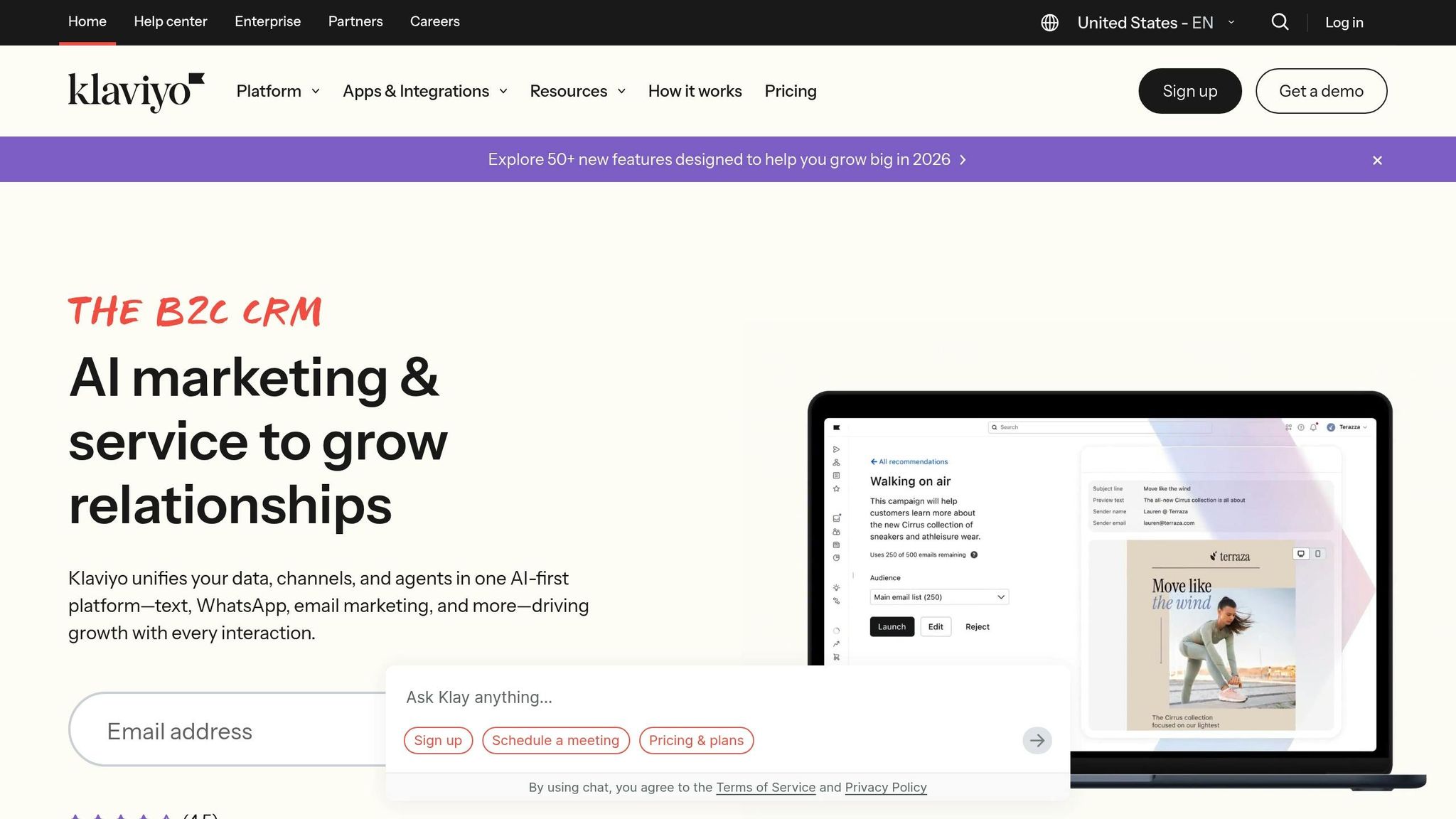
To get started, install the Klaviyo app from the Shopify App Store and authorize API access to sync your customer data seamlessly. This integration captures key customer and order data, as well as real-time events like purchases or website activity. Klaviyo also pushes data back to Shopify, including email subscription statuses and custom profile properties, ensuring both platforms stay updated. Most updates sync within a minute.
For a head start, enable historical sync to bring in past order data. This instantly unlocks powerful segments like "High-Value Customers" or "Lapsed Buyers", saving you time from building these insights manually. To track customer behaviors that trigger automations, enable the Klaviyo app embed in your Shopify theme. Jacob Sappington, Director of Email Strategy at Homestead Studio, describes Klaviyo as:
"I kind of view [Klaviyo] as a data platform that ingests data from a bunch of different sources".
Once your data is synced, you’re ready to create targeted email workflows that make use of this valuable information.
Creating Segments and Automation Workflows
With synced Shopify data, you can build custom segments and automation workflows designed to boost conversions. Head to the "Flows" section in Klaviyo to create workflows triggered by specific customer actions. For example, set up a "Subscribes to Newsletter" trigger to launch a welcome series or a "Started Checkout" trigger for abandoned cart recovery emails. Use Klaviyo’s drag-and-drop builder to customize workflows by adding delays, emails, and conditions, like excluding customers who’ve already made a purchase. Even on Klaviyo's free plan, which supports up to 250 contacts, these automation features are available, making it ideal for smaller stores.
Here are three essential workflows to implement:
- Welcome Series: Send an immediate welcome email, follow up with social proof after 2 days, and share educational content on day 5.
- Abandoned Cart Sequence: Send a reminder after 4 hours, a value-focused email after 24 hours, and a final incentive after 72 hours.
- Post-Purchase Flow: Include order confirmation, shipping updates, and a review request 7 days after delivery.
Email automation can contribute 15%–30% of your total revenue, and abandoned cart flows alone recover 5%–15% of lost sales. To avoid overwhelming subscribers, enable Smart Sending, which limits automated emails to one per 24 hours. Also, optimize every email for mobile devices, as over 60% of marketing emails are opened on mobile.
For example, in 2025, the fashion e-commerce brand Urban Threads synced their Shopify data with Klaviyo and segmented their customers based on purchase frequency and spending levels. They sent tailored VIP offers to top buyers and a brand-story welcome series to new customers. Within just three months, they saw a 25% increase in email-driven revenue and a 15% rise in repeat purchases.
Combining Free Tools for Maximum Lead Capture Efficiency
Best Practices for Combining Tools
Instead of relying on just one tool, take advantage of the strengths each platform offers. For example, Shopify Forms is great for simple inline and pop-up forms, making it ideal for footer forms and product page sign-ups. On the other hand, Klaviyo serves as a powerful data platform, tracking user behaviors like cart abandonment and product interests. When these tools are integrated, leads seamlessly flow into targeted campaigns.
To cover more ground without overwhelming visitors, diversify your entry points. Use a consistent footer form across all pages for low-effort sign-ups, welcome pop-ups for first-time visitors, and exit-intent triggers through tools like Privy to capture users before they leave. Jacob Sappington, Director of Email Strategy at Homestead Studio, suggests using the "micro yes" strategy to ease users into subscribing. Start with a simple question like, "Do you want 10% off?" before asking for an email. As Sappington explains:
"The main idea here is that you're asking a really small leading question that someone's really likely to say yes to, and that gets them bought in a little bit".
For users who dismiss the initial pop-up, teaser boxes can be a helpful backup. These small, visible boxes in the corner of the screen let high-intent shoppers revisit your offer when they’re ready. Once a lead is captured, immediately trigger a welcome email series - ideally 4–5 emails over two weeks - to build brand awareness while their interest is still fresh.
By combining these strategies and tools, you can refine your approach over time using data-driven insights.
A/B Testing Incentives and Optimizing Performance
After integration, the next step is to fine-tune your approach with A/B testing. Experimenting with different incentives is key because what motivates one audience might not appeal to another. For instance, test a percentage discount (like 10% off) against a flat dollar amount, free shipping, or exclusive product access to determine which resonates best with your customers. Personalized marketing can cut acquisition costs by 50% and boost revenue by 15%, making it worth the effort to find the right offer.
Beyond incentives, test other variables like form placement and timing. Compare footer forms with product page forms, immediate pop-ups with scroll-triggered ones, and one-field designs with multi-step forms. Since mobile users dominate e-commerce traffic, ensure your forms are mobile-friendly with larger fonts and touch-responsive elements to improve conversions. For those who sign up but don’t use their discount code, send targeted reminder emails to recover potential sales.
Focus on long-term revenue trends rather than just open or click rates. As Jacob Sappington told a client:
"We're going to lower your open rates, we're going to lower your click rates, and you're going to make more money because of it".
A smaller, highly engaged email list often generates more revenue than a larger, disengaged one. With average email open rates at 35.6% and click rates at 2.6%, even small improvements in targeting and personalization can have a meaningful impact on your bottom line.
Exporting and Enriching Lead Data with StoreCensus
Exporting Lead Data to CRM or Outreach Platforms
To get the most out of free lead capture tools, it’s essential to export your data into a CRM or outreach platform. Platforms like Shopify Forms store customer data right in the Shopify Admin, making segmentation a breeze. You can export this data as a CSV file directly from your Shopify dashboard or sync it with your CRM if integrations are available.
Most free tools make exporting straightforward. For example, you can download email lists from Shopify Forms or Klaviyo, then upload them into platforms such as HubSpot, Salesforce, or even Google Sheets for additional processing. To keep your lead data fresh, consider using scheduled exports or automated syncs. Once the data is exported, you can take it a step further by enriching the lead profiles with more detailed insights.
Using StoreCensus for Advanced Lead Enrichment
Basic lead data is a great starting point, but StoreCensus takes it to the next level by offering advanced enrichment options. This platform builds on the data from your free tools, giving you the insights needed for more precise and effective outreach.
StoreCensus provides detailed intelligence about each Shopify store, including information like its technology stack (e.g., whether they use Klaviyo, ReCharge, or Yotpo), estimated revenue tier, traffic levels, product catalog size, store age, and even verified founder emails with social profiles.
This level of detail can dramatically improve your outreach strategy. Let’s say you’re an agency specializing in email marketing. With StoreCensus, you can filter for stores that use Meta Pixel (a strong indicator of ad spend) but don’t yet have an email tool like Klaviyo. Essentially, StoreCensus acts as a powerful prospecting engine. You can rate leads on a 1-to-5-star scale, assign statuses like "Contacted" or "Negotiating", and set follow-up reminders. This structured approach helps solve a common problem - agencies losing up to 70% of qualified leads simply due to a lack of follow-up.
What sets StoreCensus apart is its ability to keep all critical intelligence - such as app usage, budget indicators, and growth signals - tied to each store profile throughout your sales process. Considering that 60% of top B2B prospects aren’t ready to buy for 3 to 12 months, this long-term tracking can significantly boost results. In fact, it could lead to up to 233% more revenue compared to treating leads as short-term opportunities.
Lead Capture Shopify Apps
Conclusion
By integrating free tools for lead capture across your Shopify store, you've set the stage for meaningful growth. These tools allow you to gather leads without requiring an upfront investment. Shopify Forms offers built-in popups and inline forms that sync seamlessly with your customer data, while Privy uses exit-intent triggers to engage visitors who are about to leave. Meanwhile, Klaviyo's free tier supports email automation for up to 250 profiles. Together, these tools create a solid system for turning casual visitors into loyal leads - especially important since 92% of first-time visitors aren't planning to make a purchase.
Here's a simple way to get started: Install Shopify Forms and launch a homepage popup offering a discount in exchange for an email address. Follow that up by setting up a welcome email series to engage new subscribers while their interest is still fresh.
To refine your approach, experiment with different popup placements and timing triggers to see what resonates best with your audience. Keep in mind that personalized marketing can boost ROI by 30%, but only if you're gathering the right data and putting it to good use.
You can take things a step further by using StoreCensus to enrich your lead data. This tool adds valuable insights like technology stack details, growth indicators, and verified contact information. Turning basic email addresses into actionable insights can significantly lower customer acquisition costs. By combining free capture tools with advanced data enrichment, you're not just gathering leads - you’re setting yourself up to convert them into customers.
Start small, keep testing, and build your strategy from there.
FAQs
Which lead capture tool should I start with on Shopify?
Shopify Forms is an excellent free tool to kick off your lead generation efforts. It allows you to design customizable email capture forms that seamlessly integrate with Shopify Email and automation workflows. This setup makes it easier to grow your marketing list and turn leads into customers.
Another engaging option is using interactive tools like quizzes. Apps such as Quizell make it simple to create quizzes that not only entertain but also gather valuable lead information. This approach offers a fun, user-friendly way to expand your lead database while keeping customers engaged.
What’s the best signup incentive for my store?
When it comes to signup incentives, the best choice depends on what you're trying to achieve. But one thing's for sure: offering something worthwhile to your visitors is essential. Common options include discounts, free shipping, or exclusive access to content or products.
To make the process seamless, tools like Shopify Forms can help you design pop-ups or inline forms with eye-catching offers. Combine these with clear, persuasive messaging and incentives tailored to your audience's needs. This approach can help you grow your email list and drive more sign-ups effectively.
How do I export and enrich my Shopify leads with StoreCensus?
To make the most of Shopify leads with StoreCensus, start by filtering stores based on criteria like revenue, location, apps in use, or growth indicators. Once you've narrowed down your list, you can export it as a CSV file. This file includes detailed information such as the store's technology stack and contact details.
From there, you can integrate the exported data directly into your CRM or outreach tools. StoreCensus's API and automation features make it easy to keep your leads current and ready for action.