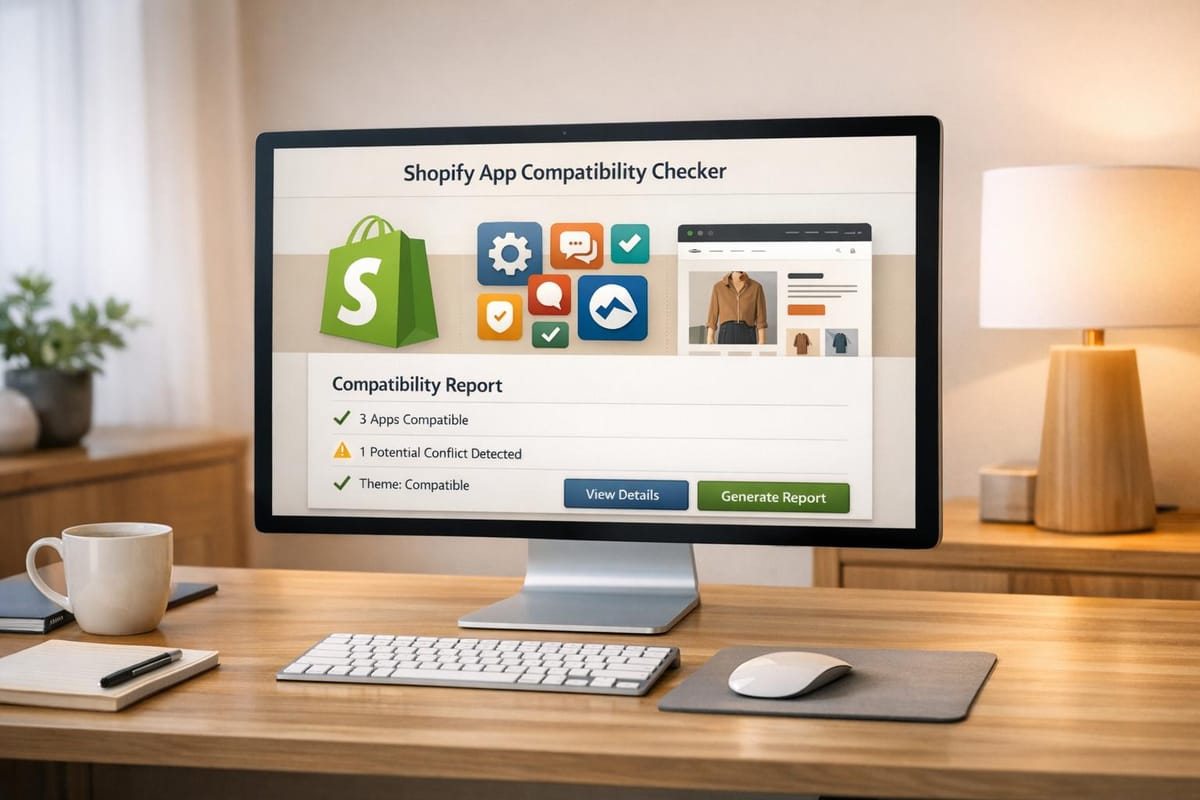
Shopify App Compatibility Checker
Check if Shopify apps work with your theme and other apps. Enter your theme and app list for a quick compatibility report. Try it free now!

Optimize Your Shopify Store with a Compatibility Checker
Running a Shopify store comes with its share of challenges, from picking the right products to nailing your marketing. But one often-overlooked hurdle is ensuring all the pieces of your digital storefront work together seamlessly. That’s where a tool to verify app and theme harmony becomes a game-changer. It’s not just about avoiding glitches—it’s about saving time and keeping your customers happy with a smooth shopping experience.
Why Compatibility Matters
When you install a new app, you’re adding a layer of functionality to your store. But what if it doesn’t mesh with your current setup? Maybe it breaks a feature on your theme, or it clashes with another app you rely on. These issues can lead to cart errors, slow load times, or even a broken checkout process. By proactively checking for conflicts, you sidestep these pitfalls and maintain a polished, professional storefront. Our free utility cross-references your inputs against a database of known quirks, delivering a report that’s easy to understand. Whether you’re using a popular theme like Debut or managing a handful of apps, taking a moment to verify everything works together can make all the difference in your store’s success.
FAQs
Why do Shopify apps sometimes conflict with themes?
Great question! Shopify apps and themes can clash due to differences in coding standards or API versions. For instance, an app might rely on an outdated API that a newer theme like Dawn doesn’t support. Sometimes, two apps might try to modify the same part of your store—like the cart page—and that creates a conflict. Our tool cross-references a database of known issues to flag these problems before you install anything.
What if my theme or app isn’t in your database?
No worries! While we’ve got a pretty extensive list of popular Shopify themes and apps, we might not cover every single one just yet. If something’s missing, the tool will let you know it can’t verify compatibility and suggest checking the app’s documentation or reaching out to the developer. We’re constantly updating our database, so check back soon!
Can I check multiple apps at once?
Absolutely, that’s the whole point! You can input as many apps as you’ve got installed, along with your theme, and the tool will analyze everything in one go. It’ll spit out a detailed report highlighting any potential conflicts or issues. If you want to start fresh, just hit the reset button and run a new check.