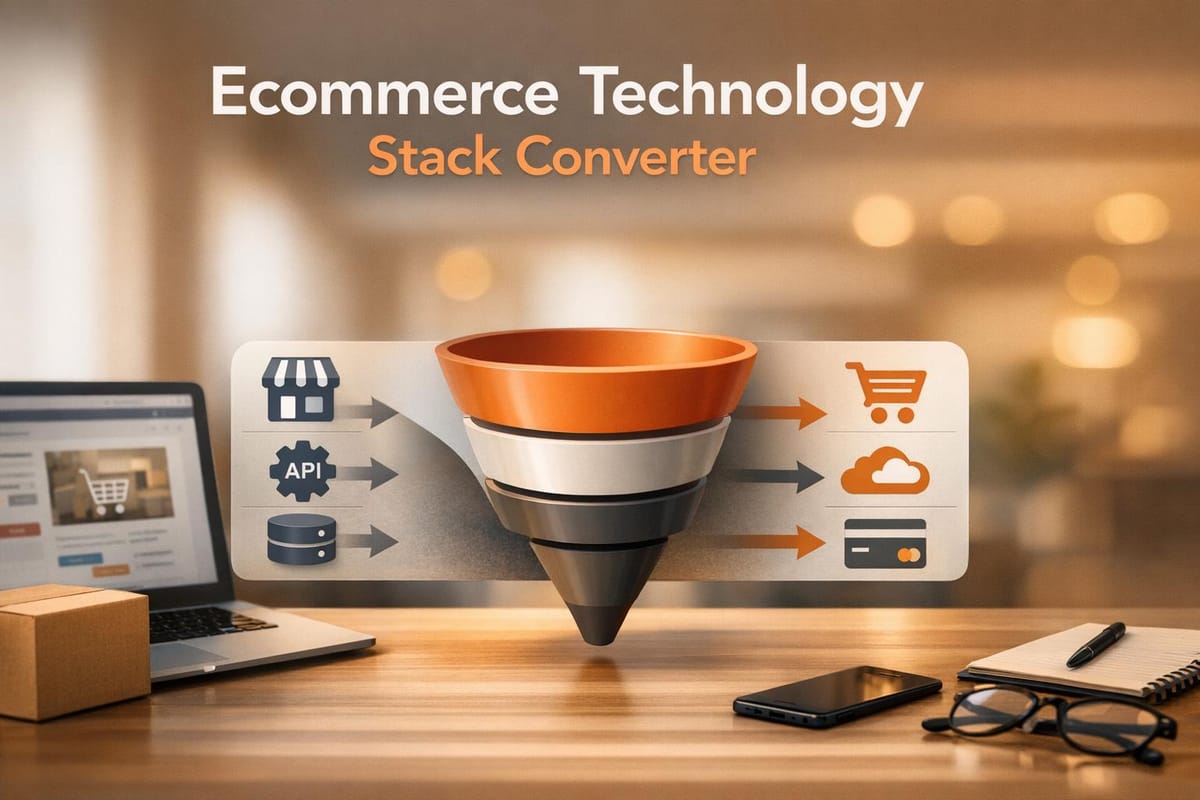
Ecommerce Technology Stack Converter
Switching ecommerce platforms? Use our free Tech Stack Converter to get a custom migration plan for Shopify, WooCommerce, and more!

Simplify Your Ecommerce Platform Transition
Switching between ecommerce systems can be a headache for any online business owner. Whether you're moving from WooCommerce to Shopify or exploring other options, the process often involves juggling product data, customer records, and integrations like payment gateways or marketing tools. That’s where a reliable ecommerce technology stack converter comes in handy. It’s not just about moving data—it’s about ensuring everything works together without disrupting your sales.
Why Migration Matters
A seamless transition can save you hours of troubleshooting and prevent costly downtime. Many businesses hesitate to upgrade their tech stack due to fears of compatibility issues or data loss. With the right guidance, though, you can map out every step, from exporting files to reconfiguring tools like Mailchimp or Stripe. Our solution provides a custom roadmap tailored to your setup, highlighting potential pitfalls before they become problems.
Take Control of Your Switch
Don’t let technical barriers hold your store back. By using a tool designed for ecommerce migrations, you’re equipping yourself with clarity and confidence. Dive into a smoother way to evolve your online business, and keep your focus where it belongs—on growth.
FAQs
Can I migrate from Shopify to WooCommerce without losing data?
Yes, in most cases, you can migrate without significant data loss, but it depends on the specifics of your setup. Our tool will outline the exact steps, like exporting product data as a CSV from Shopify and importing it into WooCommerce. We’ll also flag potential risks, such as losing custom metadata or customer notes if they’re not compatible. Always back up your data first, and consider a test migration with a small dataset to iron out any kinks before the full switch.
Does this tool support payment gateway transitions?
Absolutely! We include payment gateways like Stripe, PayPal, and others in our compatibility mappings. When you input your current gateway and target platform, the tool checks for direct support or necessary third-party integrations. You’ll get clear instructions on setting up the new gateway, along with warnings if transaction history or recurring payments might not transfer seamlessly. If you hit a snag, reach out—some transitions need manual tweaks.
How do I access my saved migration plan later?
Once you generate your migration guide, we’ll provide a unique reference code tied to your session. Just jot it down or save it somewhere safe. When you return to our site, enter the code to pull up your plan instantly—no need to start over. Keep in mind, if you clear your browser data or use a different device, the code ensures your plan is still accessible as long as our system retains the session.